
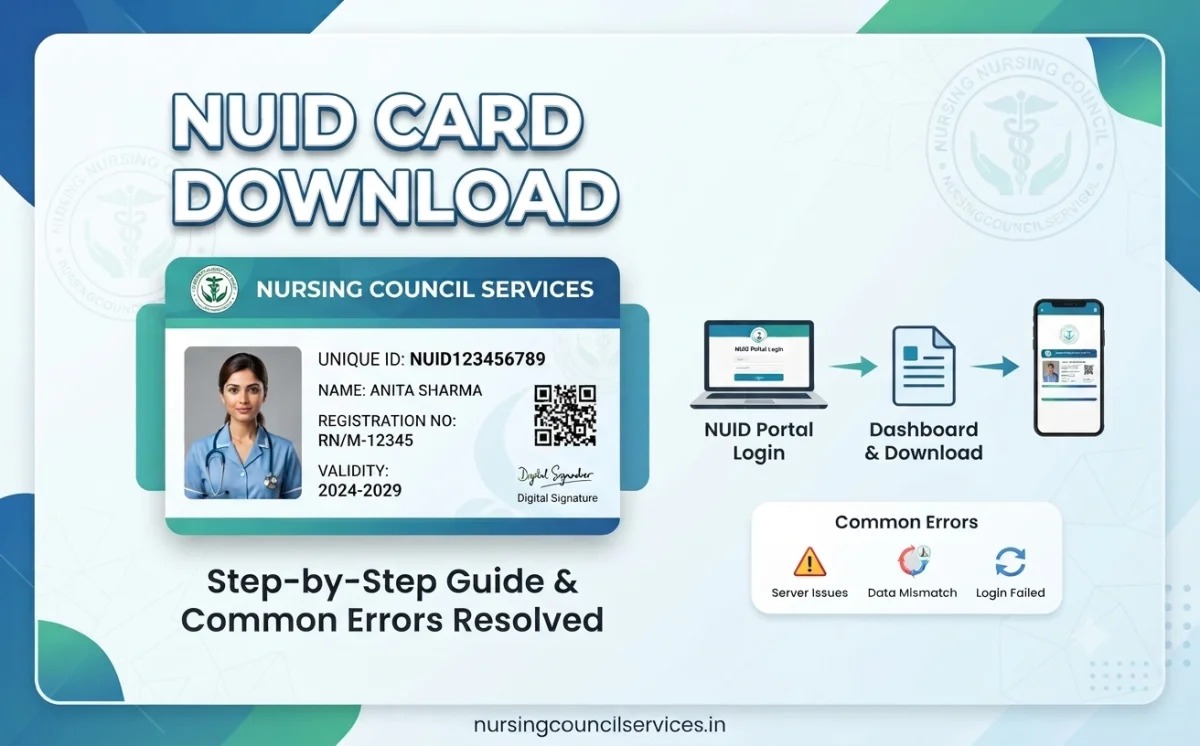
You registered on NRTS, maybe months ago. Now an employer, a college or a renewal form is asking for your NUID, and you can't find the card. Most nurses get stuck in one of three places: the OTP never arrives, the login fails, or the status says "pending" and nobody explains why.
This guide covers the NUID card download first, then the errors that actually hold people up, and how to get past each one.
What a NUID card is, and what you need before you start
NUID stands for Nurse Unique Identification Number. It is issued through the NRTS portal, the Nurses Registration and Tracking System that the Indian Nursing Council built with the National Informatics Centre. You are enrolled through your state nursing council. You fill in the form online, then the council authenticates and approves it, and only then does the NUID card follow.
Three things get mixed up, and mixing them up is why many nurses search in the wrong place:
- Application number: you get this when you submit the form.
- NUID number: you get this after the council approves your application.
- NUID card: the card issued against that number.
If you only have an application number, there is no card to download yet. You need to check your status first (step 4 below).
Haven't enrolled yet? Start with our NUID registration guide, then come back here for the download.
Keep these ready before you log in:
- Your NRTS login details
- The mobile number you registered with
- The mobile number linked to your Aadhaar, since the OTP goes there
- Your application number
NUID card download: step by step
- Open the official NRTS portal. Type nrts.indiannursingcouncil.gov.in/login.nic into your browser yourself. Don't use links forwarded on WhatsApp, because fake NUID pages exist.
- Log in with your nurse credentials. Use the ID and password you set during registration.
- Complete the OTP. NRTS authenticates you through an OTP sent to your registered mobile number. Enter it before it expires.
- Check your application status. The INC site has a link for checking your enrolment application status. If it shows approved and a NUID has been assigned, carry on. If it shows pending, skip to the errors table below.
- Open your NUID card or enrolment details and download it. [Verify on the live portal: exact menu name and file format.] Save the PDF to your phone, and email a copy to yourself so you're not hunting for it again.
- Check every detail on the card. Look at your name spelling, date of birth, registration number and council name. A small mismatch here causes trouble later with renewals and with DataFlow verification, where names must match your passport and certificates.
Common NUID card errors and how to fix them
| What you see | Usual cause | What to do |
| OTP never arrives | The Aadhaar-linked number is different from the one you registered, or the network is slow | Wait the full timer before asking for another OTP. Check which number is linked to your Aadhaar. If your number changed, use the update mobile number/email option on the INC website, or ask your state council. |
| Login fails | Wrong ID or password, or an old email on record | Use the password reset on the login page. If you no longer have the email you registered with, ask your council to update it. |
| Status stuck on "pending" | The council hasn't authenticated or approved your form yet | The online form is only the first step. Contact your state council with your application number, and carry your originals if they ask you to visit. |
| Name or date of birth is wrong | A typing error during registration | Get it corrected through your state council before you use the card anywhere. |
| Portal is slow or won't open | The site is busy | Try early morning or late evening, and switch browsers. Don't keep refreshing. |
| You have a state registration number but no NUID | You registered years ago and never enrolled in NRTS | Your state registration number and a NUID are different things. Enrol through NRTS and your council. |
A quick example. Say Anitha registered with the Kerala council in 2018 and is now applying for a Gulf licence. She logs into NRTS, but the OTP goes to an old SIM that is still linked to her Aadhaar. Resending ten times won't help. She has to update the number first, then log in again. That one fix is the most common reason nurses think the portal is broken.
Why your NUID card matters beyond the download
The card isn't just paperwork. Continuing Nursing Education (CNE) is mandatory for renewing registration, and the NRTS user manual places the CNE application inside the nurse login. That means a working NUID account is something you want in place well before your nursing registration renewal date, not the week it expires.
It's also the reason searches for nursing council renewal and nursing certificate renewal keep leading nurses back to NRTS. Sort the account now, then follow your own council's steps in our nursing registration renewal guide.
Two more places where it shows up:
- Nurses working abroad. In June 2023 the INC asked Indian nurses working outside India to enrol in NRTS. If you're in the Gulf, you're covered by that notice.
- Colleges and institutions. The INC's 2025-26 suitability renewal asks institutions to enter faculty NUIDs, so teaching staff are being asked for theirs.
Watch out for fake calls
The INC has warned nurses about fraudulent calls connected to NRTS. Nobody from the council needs your OTP, and you never need to pay a stranger to "release" your NUID. Enrolment goes through your state council. If someone calls offering to speed up your card for a fee, hang up and check with the council directly.
When it's easier to get help
If your application has been pending for weeks, your details need correcting, or you can't reach the council, you don't have to chase it alone. Brilliant Global Pathways handles NUID registration and follow-up with state councils, including Kerala, Tamil Nadu, Karnataka and others.
Stuck with your NUID card? Message us on WhatsApp at 9544742428 for a free check of where your application stands. You can also read our full NUID registration guide.

Written by
Siva Naik Desavath
Siva Naik Desavath is a Registered Nurse at Rainbow Children’s Hospitals, Hyderabad, specializing in pediatric and neonatal critical care. He holds a BSc in Nursing from NTR University of Health Sciences and is BCLS certified. He has hands-on experience with nursing council registration, renewal, NUID and Good Standing Certificate documentation. On Nursing Council Services, he writes practical guides to help nurses complete these processes correctly.
View author profileNeed help with your documents?
Our team can guide you through verification, attestation, and council registration — book a free consultation today.
9544742428